
Gaming setup mockup backgrounds work best when the scene supports the product’s shape and color instead of competing with it. In our experiments, neon glow scenes seemed to suit apparel and stickers, while desk-setup scenes seemed to suit wide, flat items like mousepads. Here is what we noticed along the way.
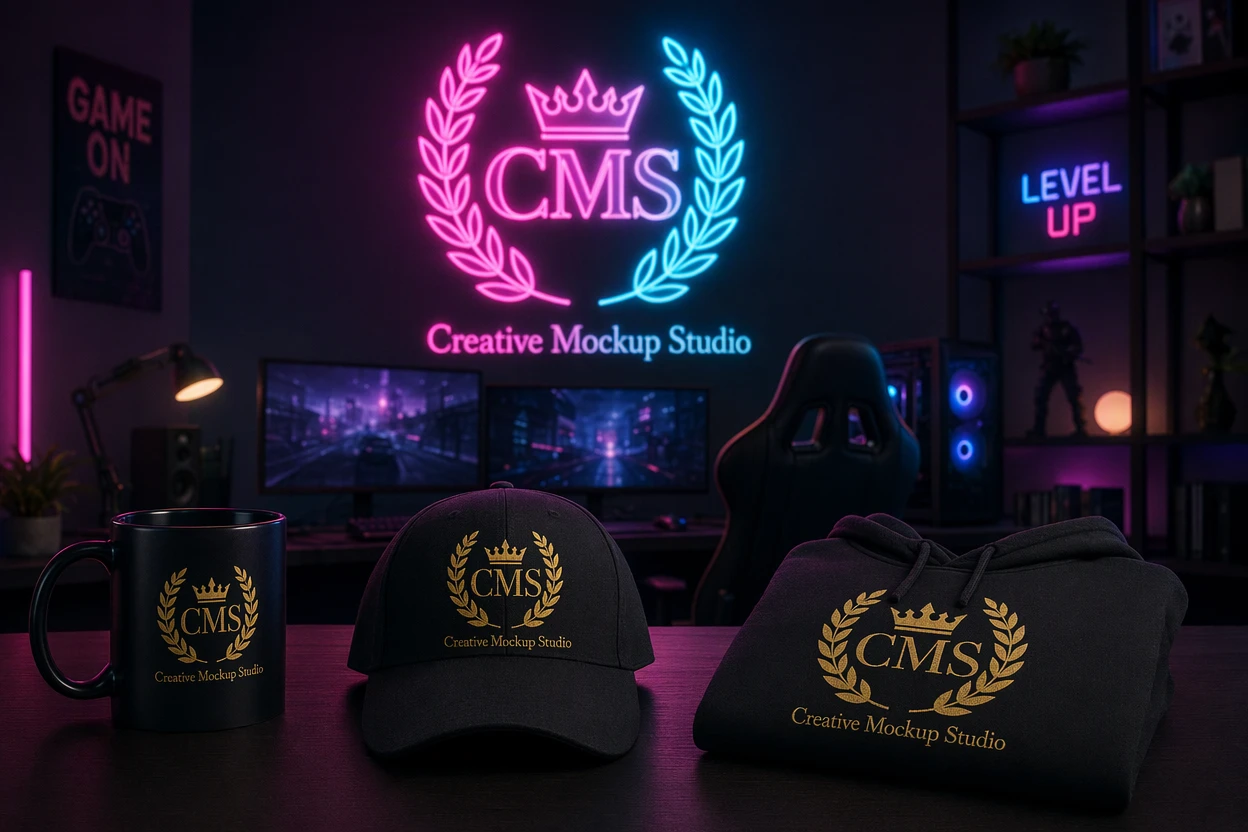
These ideas may suit POD sellers, Etsy sellers, small brands, Shopify and other platform creators, and creators sharing products on social media such as Pinterest. Every mockup image below is an AI-generated experiment, not a photo of a physical product. We do not own or handle the products shown.
What Makes a Gaming Setup Background Work for Streamer Merch?
In our experiments, gaming setup backgrounds worked well when they signaled “gaming” at a glance and left a calm area where the product could sit. When the scene was louder than the merch, our attention went to the monitors and lights instead of the product.
We made these scenes with a mix of online image-generation tools. Across them, four qualities kept separating the scenes we liked from the ones we discarded:
- Color: One or two glow colors, such as magenta and cyan, read as intentional in our experiments. Four or five could look noisy.
- Contrast: A dark room with a bright product area gave the product a clear edge.
- Depth: A softly blurred background helped keep attention on what sat in front.
- A quiet zone: An empty patch of desk, wall, or floor gave the product somewhere to go.
Gaming scenes also tend to be dark, which made the quiet zone more important in our tests than in a bright kitchen or studio scene. Dark scenes could swallow dark products, so it helped to decide early where the lightest part of the image would be.
Which Neon Scenes Pair Best With Shirts, Hoodies, and Stickers?
In the scenes we explored, neon seemed to suit apparel and stickers when the glow stayed behind the product and the product area stayed lit. A neon sign shape glowing on a dark wall behind a garment gave the image a gaming mood without crossing over the design itself.
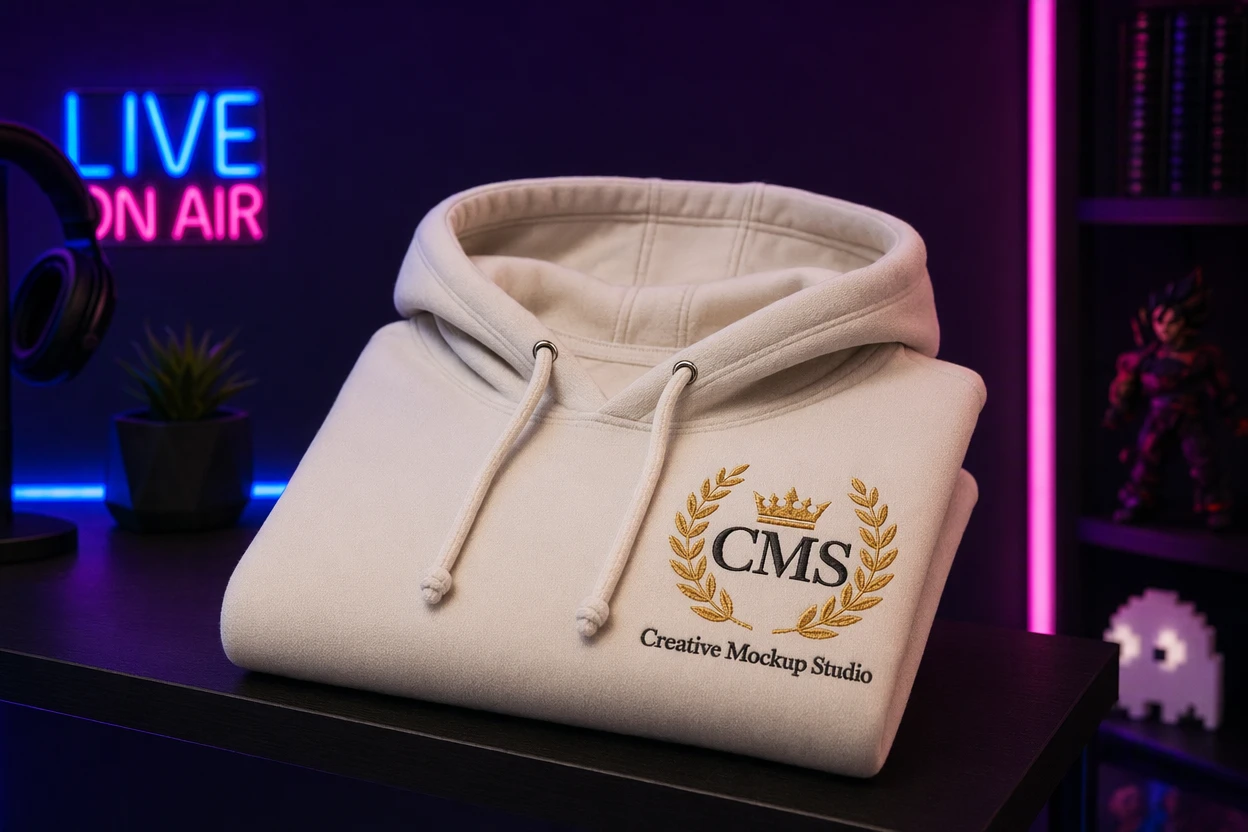
Here is what we noticed for each product:
- Shirts: Light or bright graphics stood out against deep purple and navy walls. A soft pink or blue glow along the edges added atmosphere without appearing to change the shirt color.
- Hoodies: The thicker fabric and folds seemed to suit a hazy, diffused glow. A hard neon color cast could shift how a hoodie’s color looked, so we found it helpful to compare the scene with the original design color.
- Stickers: Small, flat items needed a simple scene. A single bright neon outline behind a sticker looked cleaner in our experiments than a full wall of tubes and signs, which pulled attention away from it.
A shared trait across all three was a dark, slightly blurred backdrop with glow near the edges and a clear center. Neon lines that crossed directly behind the product made it harder to read.
How Do Desk-Setup Backgrounds Suit Mousepads, Desk Mats, and PC Accessories?
Desk-setup scenes seemed to suit these products because they show them in a place a buyer might picture using them. Wide, flat items like mousepads and desk mats fit especially well, since the desk surface is their natural spot.
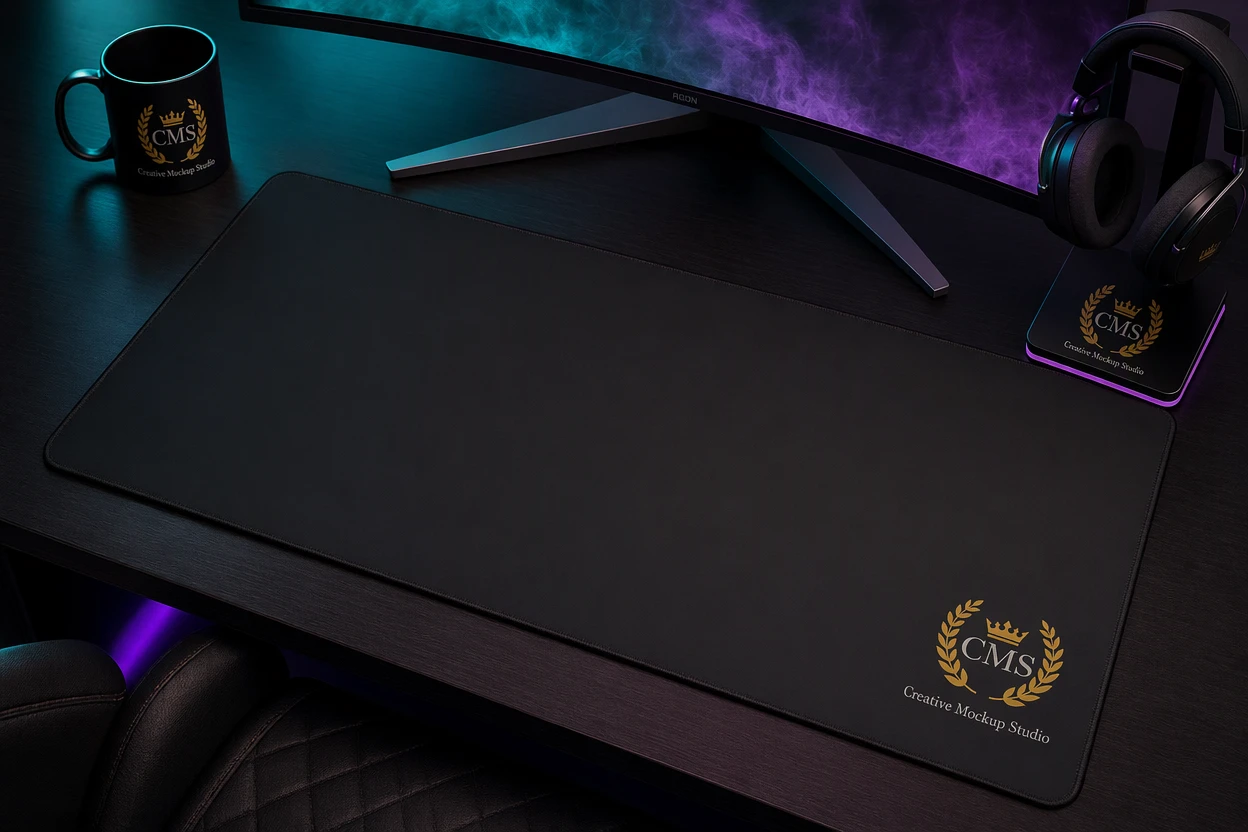
A few observations from the scenes we explored:
- Mousepads and desk mats: An angled or overhead view showed the full surface in our experiments. A monitor glowing at the back and a keyboard at the edge added context, but the pad needed a large, unobstructed area.
- Headset stands and small accessories: These needed a closer, shallower scene so the item did not shrink into the desk. A blurred monitor and a single colored light behind it worked well in some of our tests.
- Cable organizers and other tiny items: A busy desk full of gear could bury them. A near-empty desk with one softly lit corner gave them more presence in the scenes we explored.
Generated desk scenes include a lot of small details, such as keycaps, screen content, and cables. We found it worth zooming in on those details before using an image, since AI-generated images can show odd shapes or garbled text in small areas.
What Should Stay Simple So the Merch Still Stands Out?
In our experiments, the background worked best when it stayed simple apart from the mood it created. The product, its colors, and any text on it needed to remain the easiest things to see.
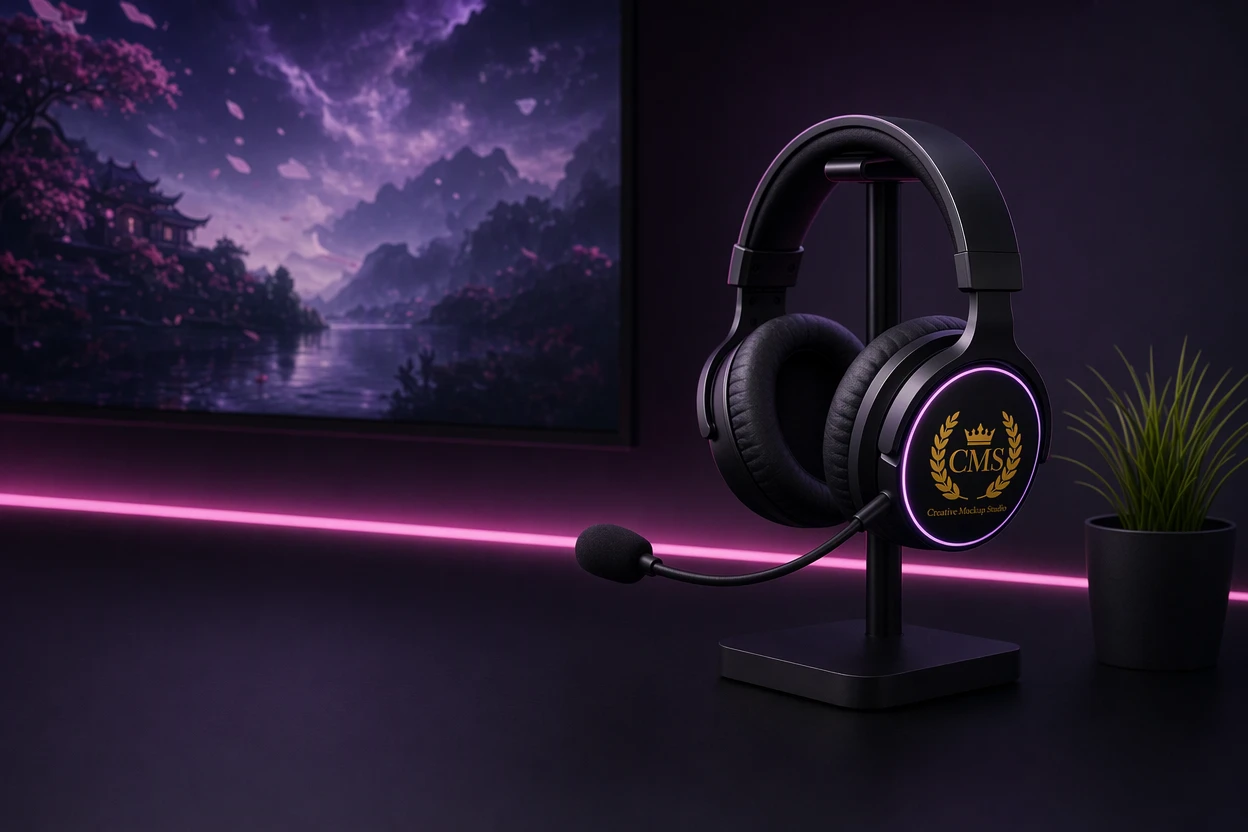
These elements are worth keeping restrained:
- Glow colors: Pick a main color and an accent, then stop.
- Monitor screens: Soft, abstract light worked better in our tests than detailed screen content that competed with the product design.
- Props: A single plant, headset, or controller can add context. A pile of props can crowd the frame.
- Text in the scene: Readable signs and logos can clash with the words on the merch itself.
- Recognizable game art: Generic screen glow is a safer choice than real game characters or logos, which can raise copyright questions.
One more consideration is how a scene looks at small sizes. On a phone, fine background detail can turn to mush, while big shapes and clear color areas stay readable. We found that checking a scene at thumbnail size gave a quick sense of whether the product still stood out.
Which Background Style Fits Which Product?
Each product shape seemed to suit a different scene style in our experiments. This table sums up what we noticed, not a rule for every product or shop.
| Product type | Scene style | What to watch for |
|---|---|---|
| Shirts | Dark wall with a soft neon sign glow behind | Glow color shifting how the shirt color looks |
| Hoodies | Hazy, diffused neon with a moody room feel | Heavy color casts hiding fabric folds and details |
| Stickers | Single bright neon outline on a dark, simple backdrop | Busy backgrounds overpowering a small, flat item |
| Mousepads and desk mats | Angled or overhead desk scene with monitor glow | Props covering the surface that needs to show |
| Headset stands and small PC accessories | Close, shallow desk scene with one colored light | Tiny items getting lost among gear and cables |
How Could These Scenes Be Used in Pinterest Pins and Social Posts?
These scenes could work as the base image for a Pin or social post, though we can’t promise any particular result. Pinterest is vertical, so a tall crop of a desk or neon wall is one idea to explore.
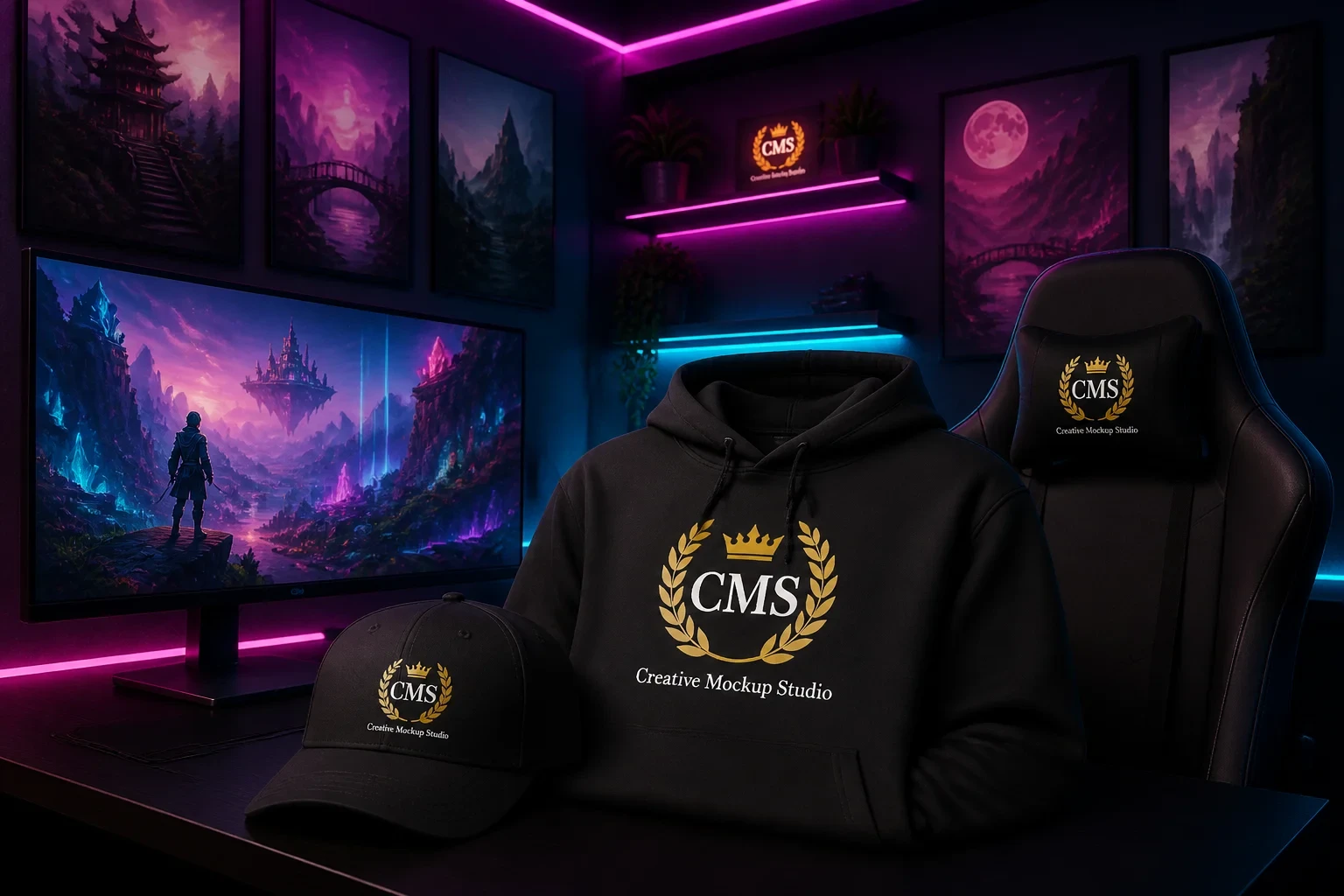
A few possibilities:
- Pin layout: Leave a calm band at the top or bottom of the scene so a title or short line of text can sit there without covering the product.
- A matching set: Using the same two glow colors across several Pins might make a shop’s board look cohesive.
- Stand-out thumbnails: A dark neon scene may look distinct beside lighter, brighter images in a feed, though that depends on what else the viewer sees.
- Product variety: One desk scene could be adapted for a mousepad, a headset stand, and a sticker pack, giving a small shop a way to present several products in one visual style.
Because many people browse on phones, we found it useful to look at each image at a small size before settling on it. We found that if the product is still easy to spot, the scene seems to be doing its job.
Want More Background Styles to Explore?
If you like the idea of themed scenes for niche products, our anime style mockup backgrounds post looks at a different mood for stickers, prints, and tote bags. Gaming and anime scenes can sit side by side in a shop, but each calls for its own colors and level of detail.
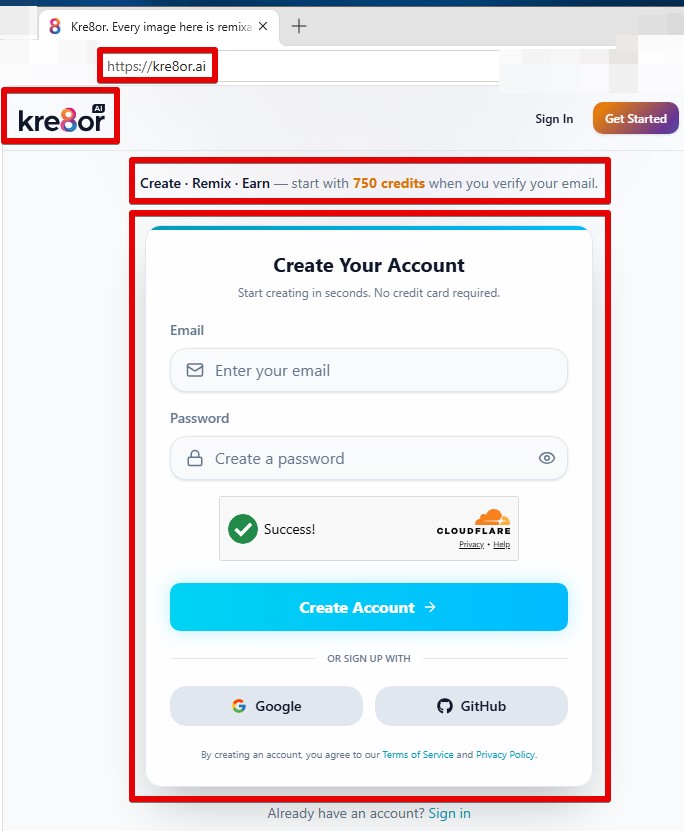
You can browse more of our mockup examples in our Collections. If you’re curious about the online tools behind scenes like these, you can explore Kre8or.ai, one of the tools we use alongside other image and video generators.