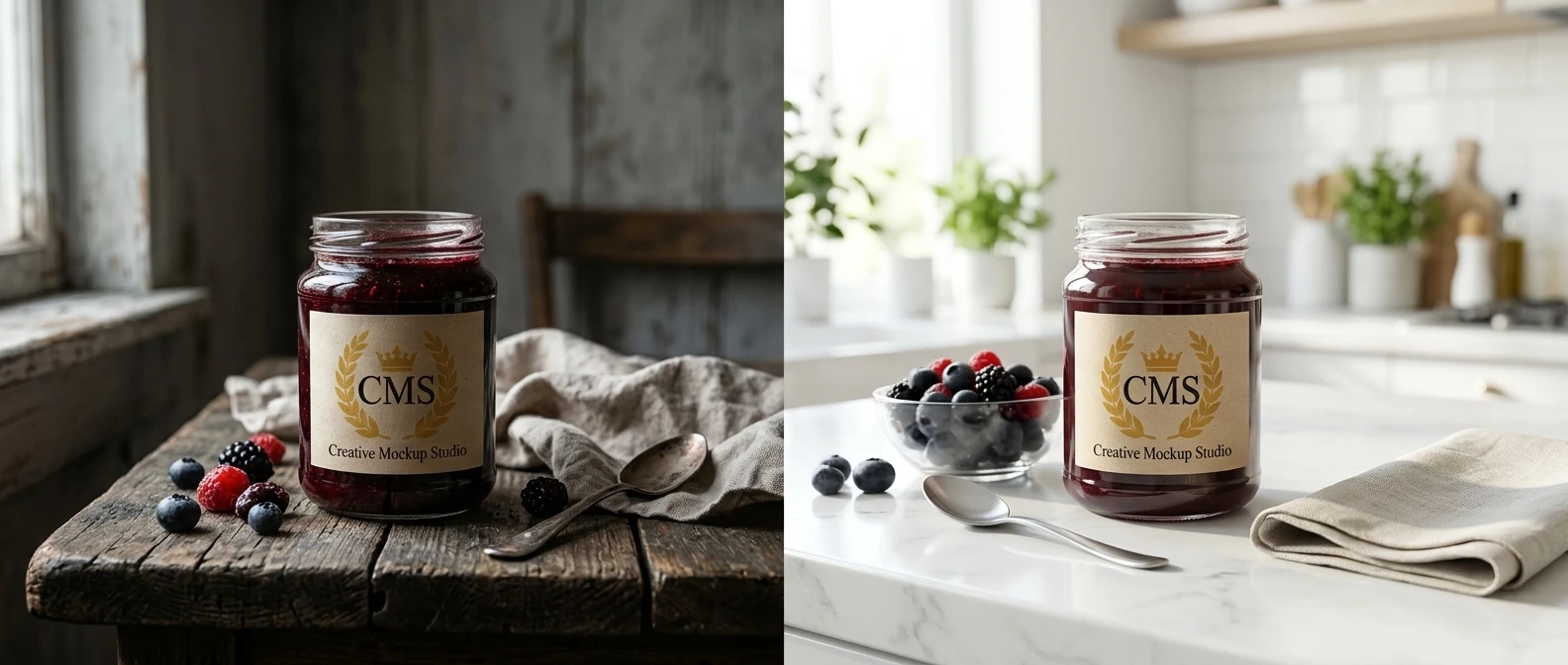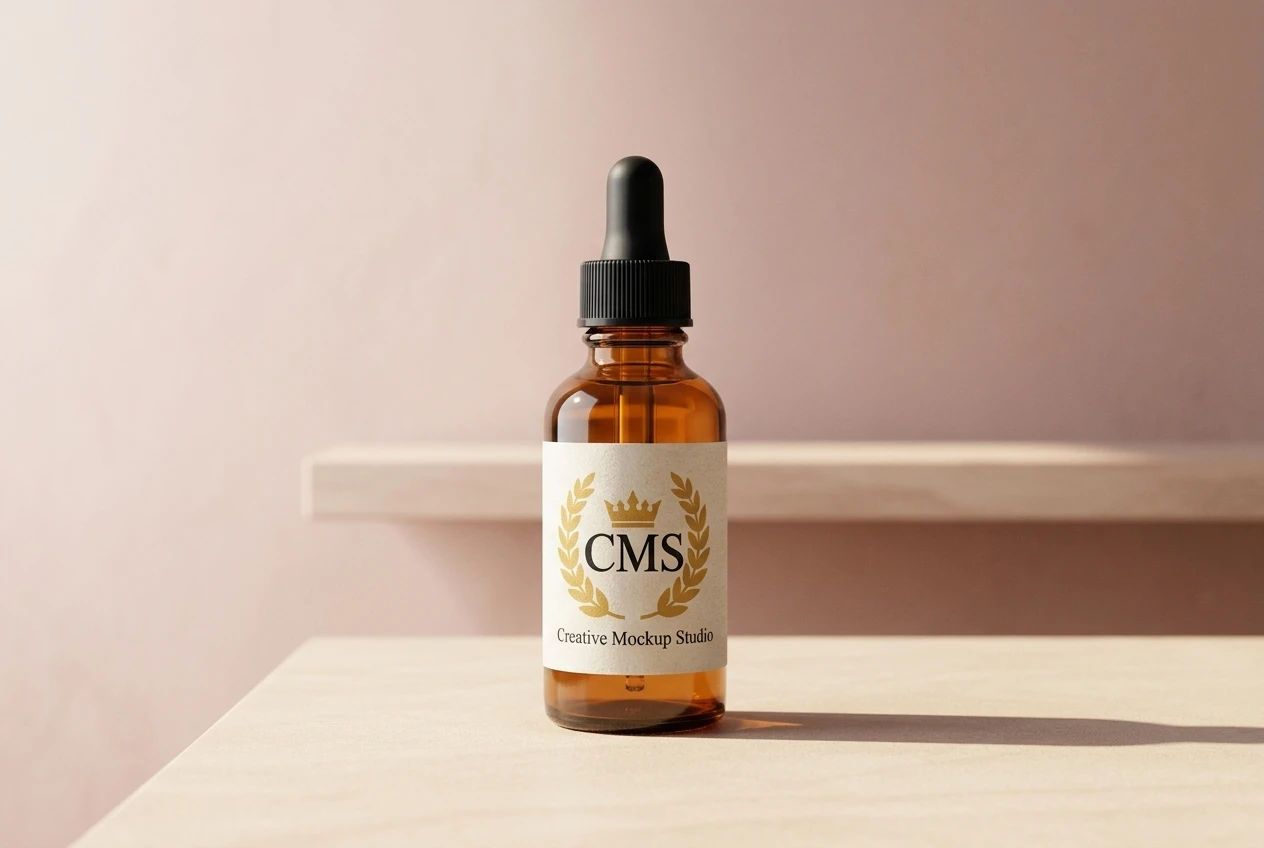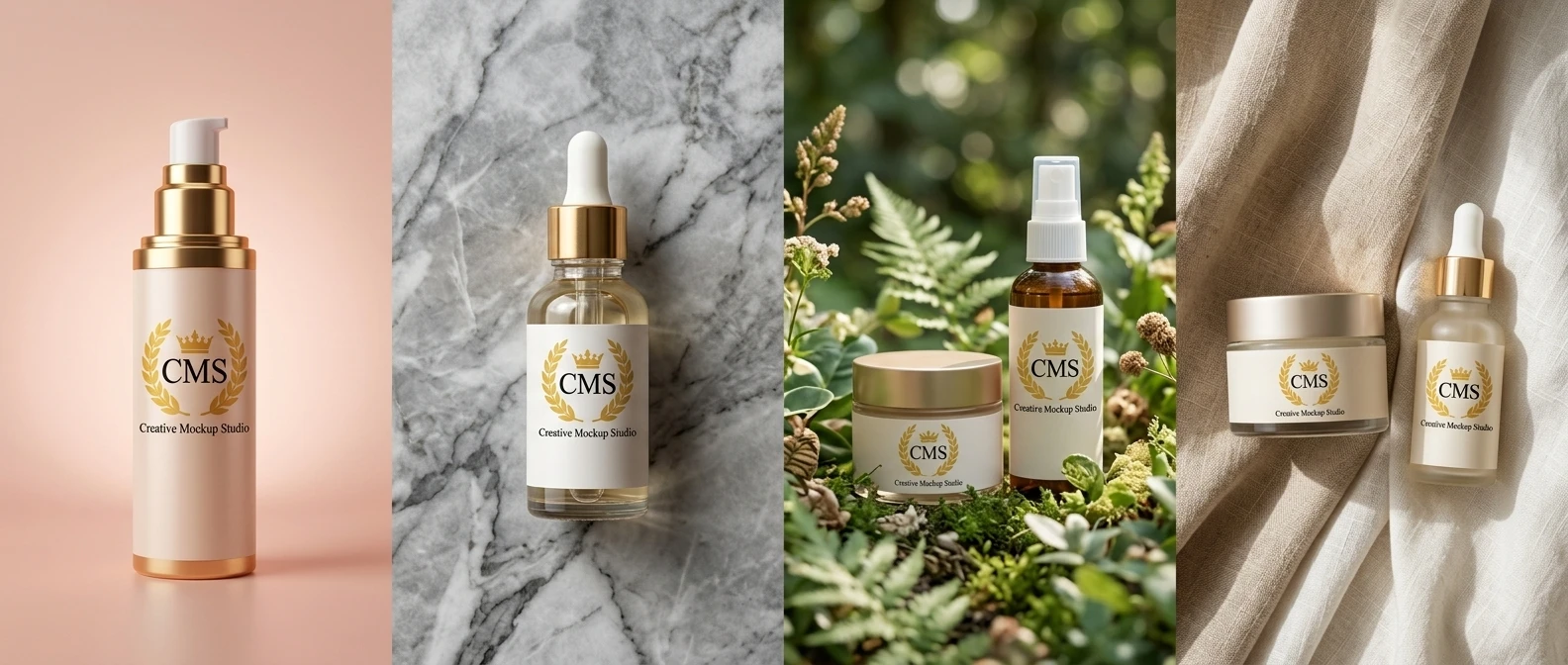

The strongest cat and dog mockup ideas pair one pet product with one simple scene: a collar on a wooden entryway bench, a bowl on a sunlit kitchen floor, or a bed in a quiet living room corner. Pick a background that matches how the product is used, keep the animal secondary, and label the image as a generated mockup.
Every mockup idea here comes from our own experiments with web-based tools. The images are AI-generated experiments, not photos of physical products, and we do not own or handle the products shown. Treat this as an idea board, not a set of rules. If you sell pet products on a marketplace like Etsy or in a store built on Shopify, a generated mockup can work as a placeholder idea, as long as the listing says it is not a photo of the real product.
Which Mockup Scenes Work for Both Cat and Dog Products?
In our experiments, ordinary home settings could suit products for both cats and dogs because they share the same rooms. A familiar scene may communicate the setting quickly without needing an elaborate setup.
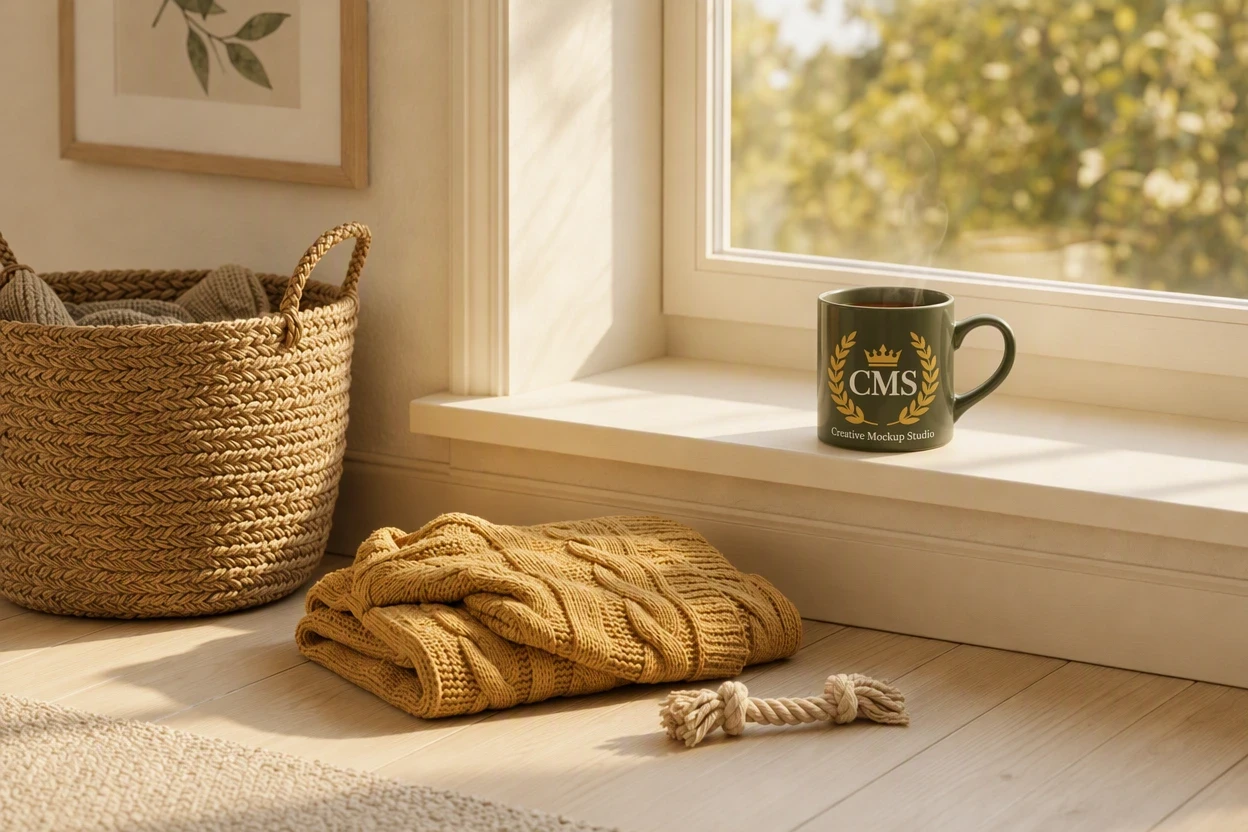
These are the shared scenes we keep coming back to:
- The entryway: A bench, a hook rack, and a doormat suggest leashes, walks, and coming home.
- The kitchen floor: Morning light on tile or wood, with a bowl and a little open space around it.
- The living room corner: A soft rug, a couch edge, and a throw blanket create a familiar place for beds and toys.
- The window ledge or sunny patch: Warm light and a calm mood may suit a nap-themed product.
- The porch or backyard step: A little greenery and daylight can suit gear that goes outside.
Species-specific cues are worth keeping light. A scratching post in a dog-park scene, or a retractable leash on a cat tree, may send a mixed message about who the product is for. If a product is made for one animal, let the setting say so quietly through a perch, a ball, or a leash hook.
Here is the whole board at a glance:
| Product type | Background style | Mood to aim for |
|---|---|---|
| Collars and leashes | Entryway bench, painted door, pegboard | Ready for a walk |
| Bowls and feeders | Kitchen floor, countertop, tiled corner | Fresh and clean |
| Beds and blankets | Living room rug, bedroom corner | Warm and sleepy |
| Toys | Hardwood floor, grass, plain pastel | Playful and bright |
| Treat packaging | Neutral tabletop, wood board, soft gradient | Simple and appetizing |
| Apparel and bandanas | Clothesline, hanger, solid color wall | Cheerful and giftable |
What Backgrounds Suit Collars, Leashes, and Pet Accessories?
In our experiments, collars and leashes read clearly against backgrounds that give the hardware and stitching distinct edges. A plain painted wall or a wood surface can let the color and buckle stand out, keeping the product prominent.
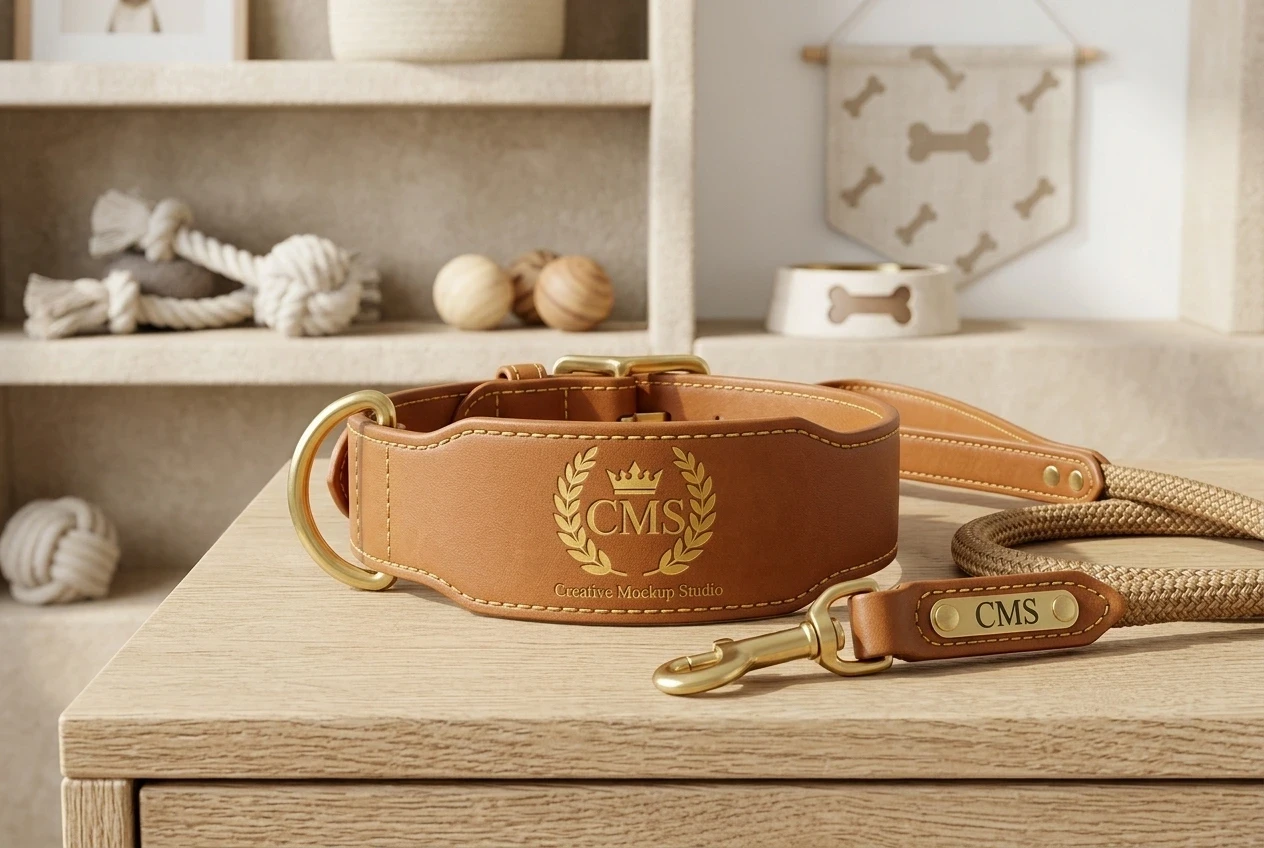
Three background styles are worth exploring:
- Entryway still life: Place the collar and leash on a bench, with a tote bag or a pair of sneakers nearby. This suggests a daily routine without needing a pet in the frame.
- Solid color studio: Try a flat sage, cream, or dusty blue backdrop with soft shadows. This may work for a shop grid where you want products to look consistent.
- Outdoor texture: Fallen leaves, a stone path, or a wooden fence add a sensory cue that can make a walking product feel grounded in an outdoor setting.
For apparel such as bandanas, sweaters, and harnesses, a hanger on a clean wall or a folded stack on a bench keeps attention on the pattern. One idea to explore is a mockup where the garment is laid flat and the animal is absent, since fit and animal faces can be challenging for generation tools.
Name tags and charms are small, so they may benefit from a close crop on a simple surface. A tight view on textured fabric or a wooden tabletop gives them presence without clutter.
How Can Bowls, Beds, and Toys Look Cozy in a Mockup?
Light, texture, and a little lived-in clutter can give bowls, beds, and toys a cozy look. Warm morning light, a woven rug, and a folded blanket are details to try in a generation prompt.
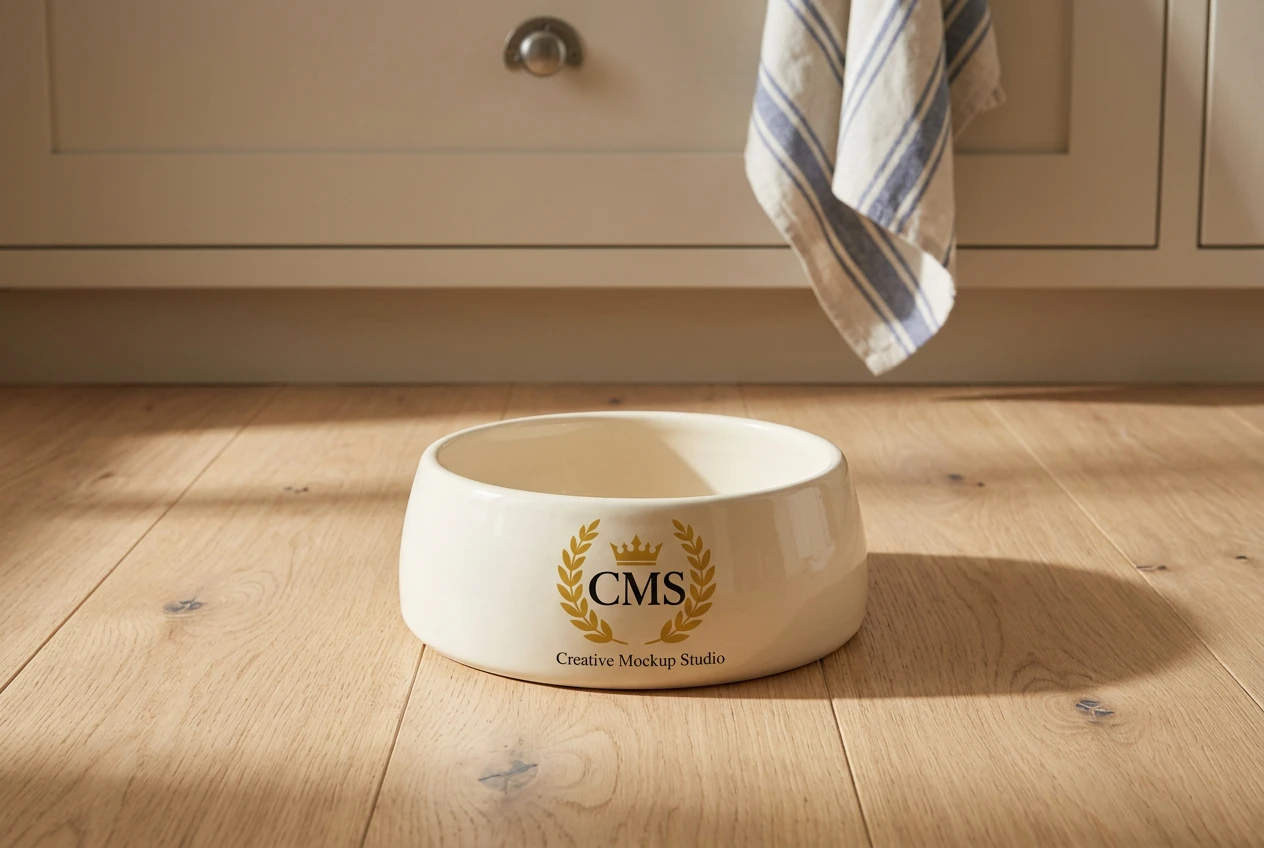
Bowls and feeders: Place them on a kitchen floor or a low wooden stand. A single detail nearby, like a window with soft light or a dish towel on a cabinet handle, can make the scene feel more like a home. In our experiments, leaving open floor space around the bowl helped keep the scene from feeling crowded.
Beds: A living room corner is one setting to try. A bedroom scene with a bedside table may give the same product a quieter, nighttime feel. Texture is worth describing, such as plush, knit, or quilted fabric and a gentle dip in the center.
Toys: A bright, solid backdrop can give a catalog look, while a hardwood floor with a stray ball or rope suggests play. For cat toys, a sunny windowsill or a corner beside a cat tree may feel like a natural setting.
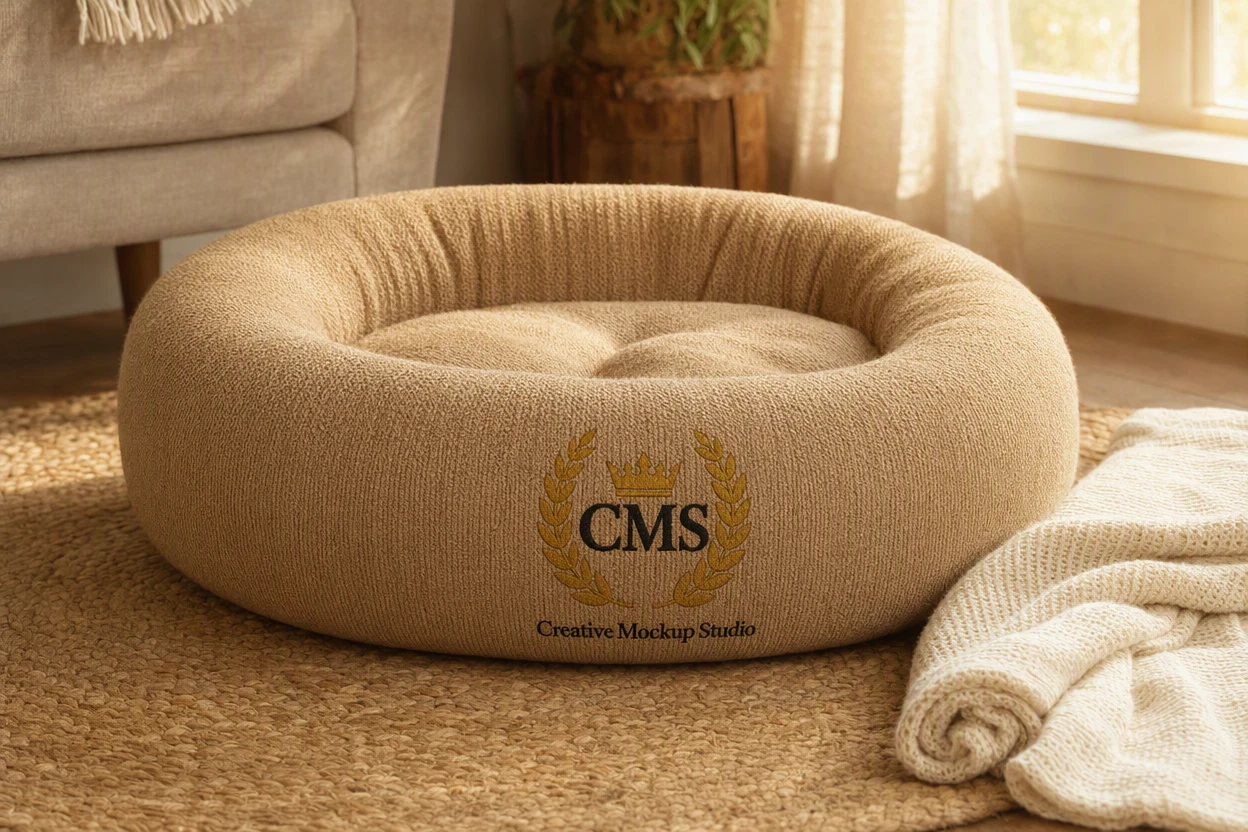
A warm palette of cream, tan, and soft brown may suit beds and bowls. Cooler tones, such as seafoam and light gray, can give a bowl a clean, modern feel. Choose one palette per product page if you want the images to read as a set.
How Can Treat and Food Packaging Mockups Feel Appealing and Still Honest?
Treat and food packaging mockups can feel appealing when the scene is simple and the package stays in focus. They are more transparent when the image avoids claims the real product has not earned.
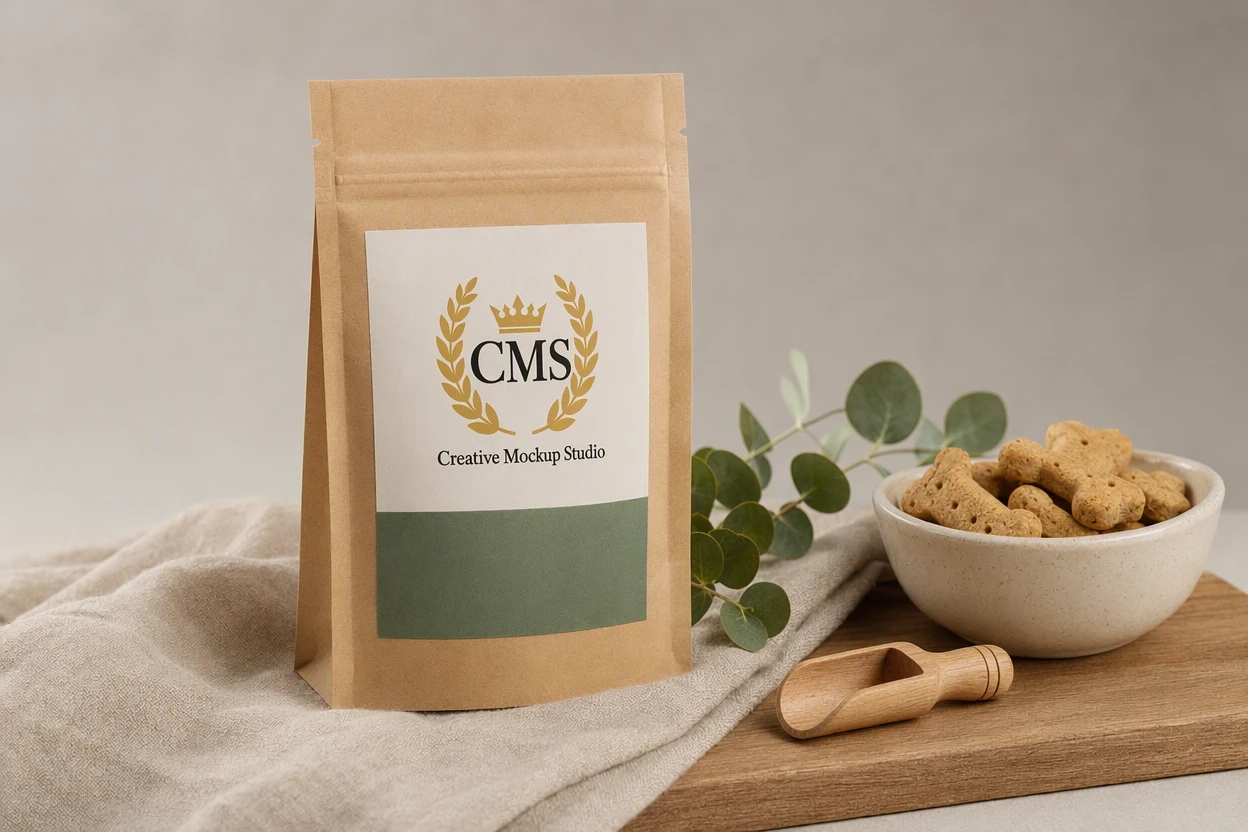
Some practical ideas:
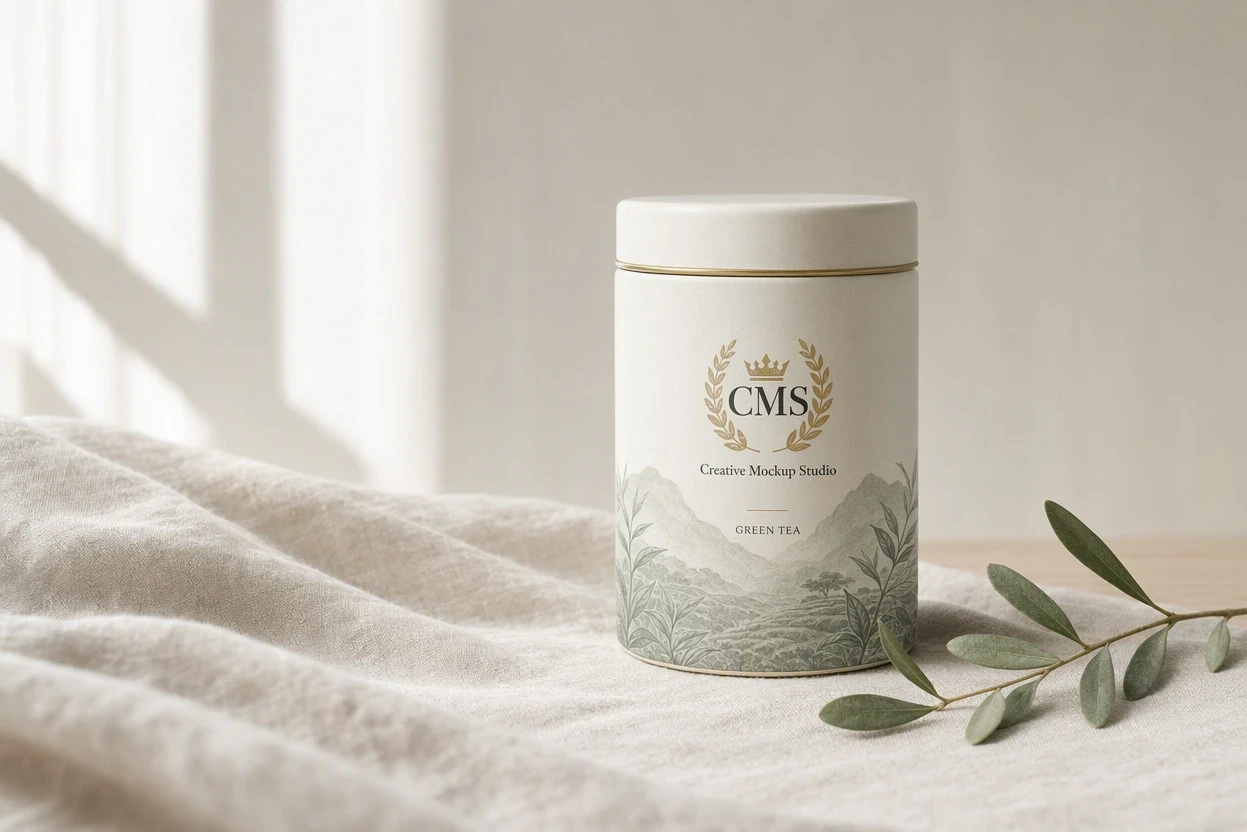
- Use a neutral tabletop. A wood board, a linen cloth, or a soft gradient can let the bag or tin take center stage.
- Add one supporting detail. A scoop, a ceramic bowl, or a small sprig of greenery may be enough. Showing the treats themselves can help, but only if their shape and appearance match what you actually sell.
- Keep the label simple. Generation tools can struggle with accurate packaging text. A short brand name, a plain color block, or a clear space for the real label can help avoid misleading wording.
- Leave out ingredient and health claims. Words like “natural” or “grain-free” belong on the real label, not in a generated image.
The honesty question matters with food packaging. A customer who buys a treat bag expects it to look like the picture. If the mockup is a concept, say so in the caption, and add real photos of the finished product once they exist.
What Did Experiments With Cat and Dog Scenes in Online Tools Show?
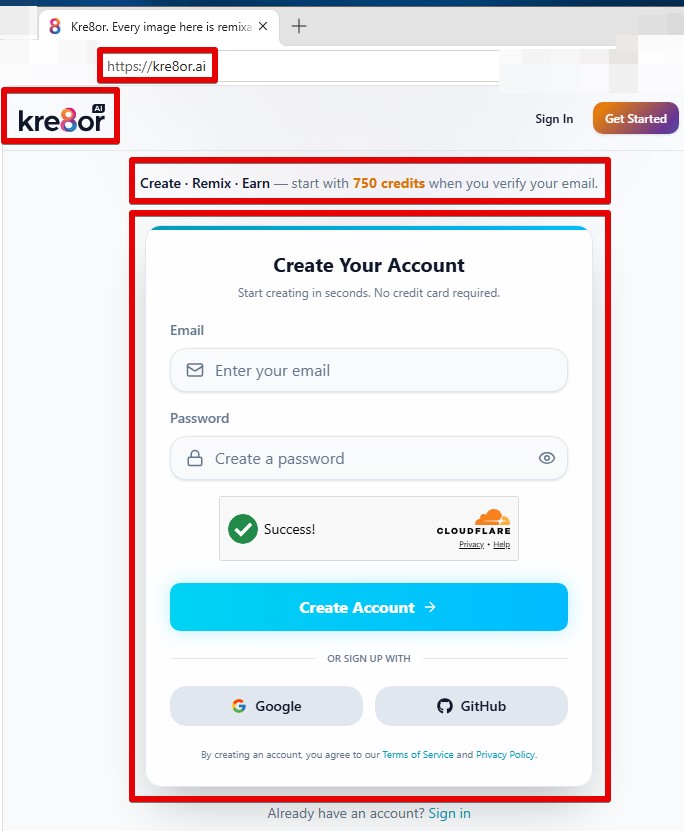
In our experiments, cat and dog scenes needed careful review because the animal often drew the viewer’s eye first. We used a mix of AI image-generation tools, including Kre8or.ai, and the observations below reflect our own experiments, not a universal pattern.
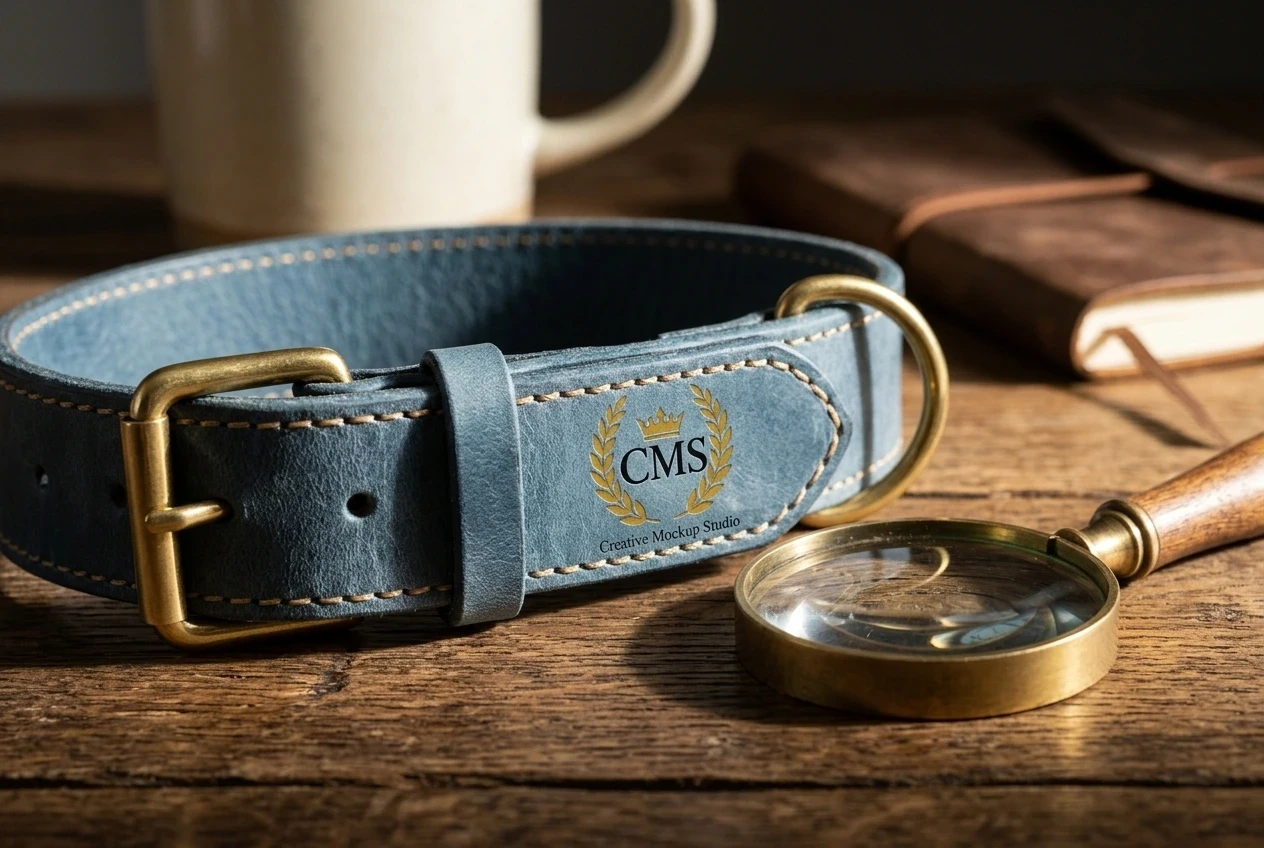
Here is what we noticed:
- Product-only scenes were easier for us to control. When the animal was left out, the product stayed prominent and the background was simpler to adjust.
- Small details needed a second look. Paws, buckles, stitching, and whiskers are details to check closely before using an image.
- Packaging text was unreliable in our results. Words on bags and tins could come out garbled, so we leaned toward blank or minimal labels.
- Light wording changed the mood in our tests. Phrases like “soft morning light” or “late afternoon sun” shifted the same scene from clinical to cozy.
- Different tools gave different looks. The tool we used varied depending on the look we wanted, and none was best for every scene.
These are observations from personal experimentation. We are not product photographers, and we are not offering professional instruction. Treat them as starting points for your own tests.
How Can Pet Mockups Fit Into Pinterest Content?
Pet mockups can be used in Pinterest content to point to a product page, a blog post, or a collection. Their results depend on many factors, so we cannot promise an increase in traffic, sales, or engagement.
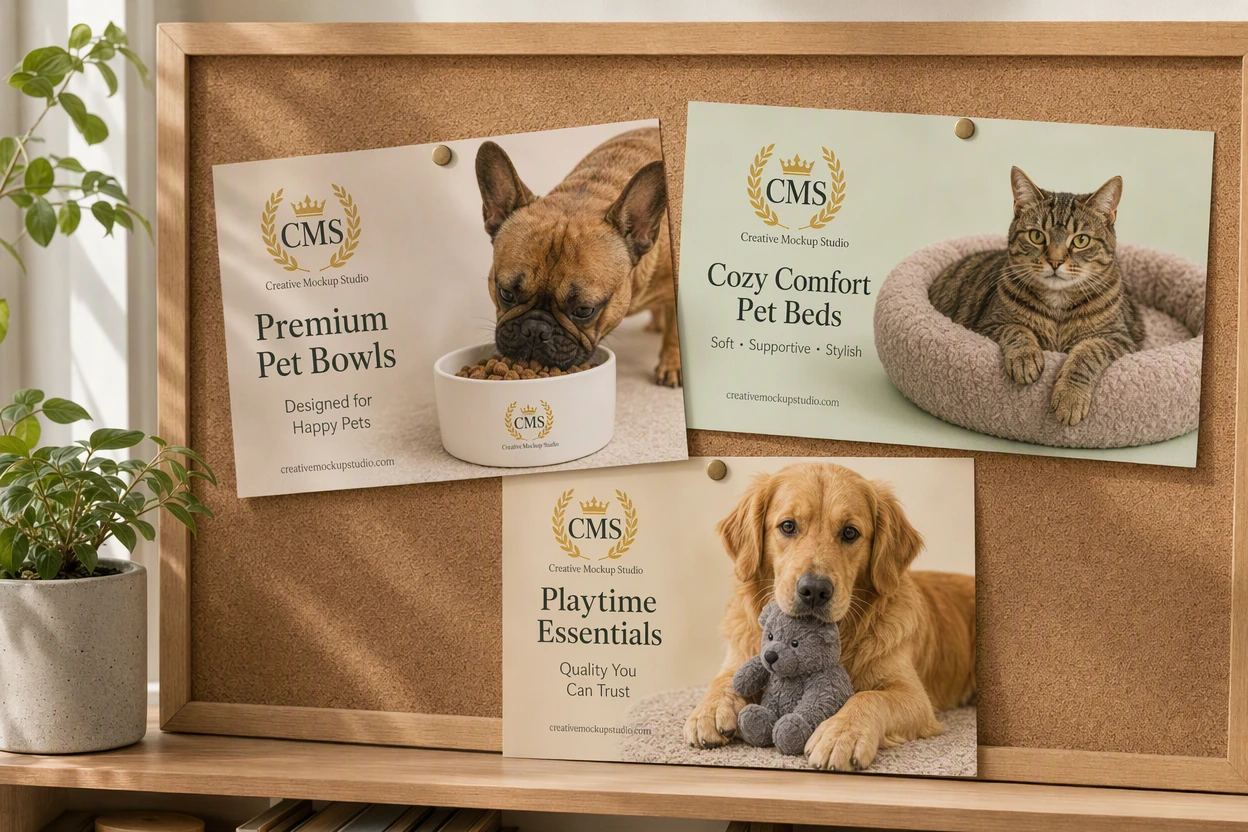
A few ideas to explore:
- Group by product type. A board for collars and leashes, another for beds and bowls, and another for treats can help organize visuals for browsing.
- Try a vertical layout. A tall image with space for a short text line is one approach to test for Pins.
- Match the mood to the season. Pet gift ideas may tie to holidays. Our post on holiday mockup ideas covers seasonal scenes and gift backgrounds that can be adapted to pet products.
- Keep one visual style per board. Matching light and palette can help a set of Pins look like it belongs together.
Save a few Pin variations of one product in different scenes, then compare them to see which ones you enjoy working with. That kind of self-guided comparison can help you explore your style without treating any one layout as a rule.
How Should Shops Disclose Generated Mockups to Customers?
Shops should clearly state near the image that it is a generated mockup, not a photo of the physical product. A short caption can help set expectations and support customer trust. Whether your listing is on Etsy, Shopify, or your own site, say plainly that the image is a generated mockup.
Some options:
- A caption under the image: “Concept mockup, generated digitally. Not a photo of the finished product.”
- A note on the product page: If a listing mixes generated scenes with real photos, say which is which.
- Real photos for the buying decision: When you sell a physical item, show the actual product so its color, size, and material are clear.
Pet owners buy for animals they love, and details like fit, safety, and quality matter. A generated scene can set a mood, but it should not stand in for evidence about how a product looks or performs. Clear labeling helps keep those two roles separate.
Which Cat and Dog Mockup Idea Is Worth Trying First?
A collar and leash on an entryway bench is a simple scene to try first: it has one product, a familiar setting, and no animal to get right. It is also straightforward to describe and review.
Once that works, try a bowl on a sunlit kitchen floor, then a bed in a living room corner. Treat packaging and apparel may need extra care with text and details. Move up one step at a time and keep notes on what changed in the scene.
Browse our Collections page to see more mockup examples, then pick one pet scene from this list and try it in your own experiments. If you use Kre8or.ai, you can explore it through our link.